

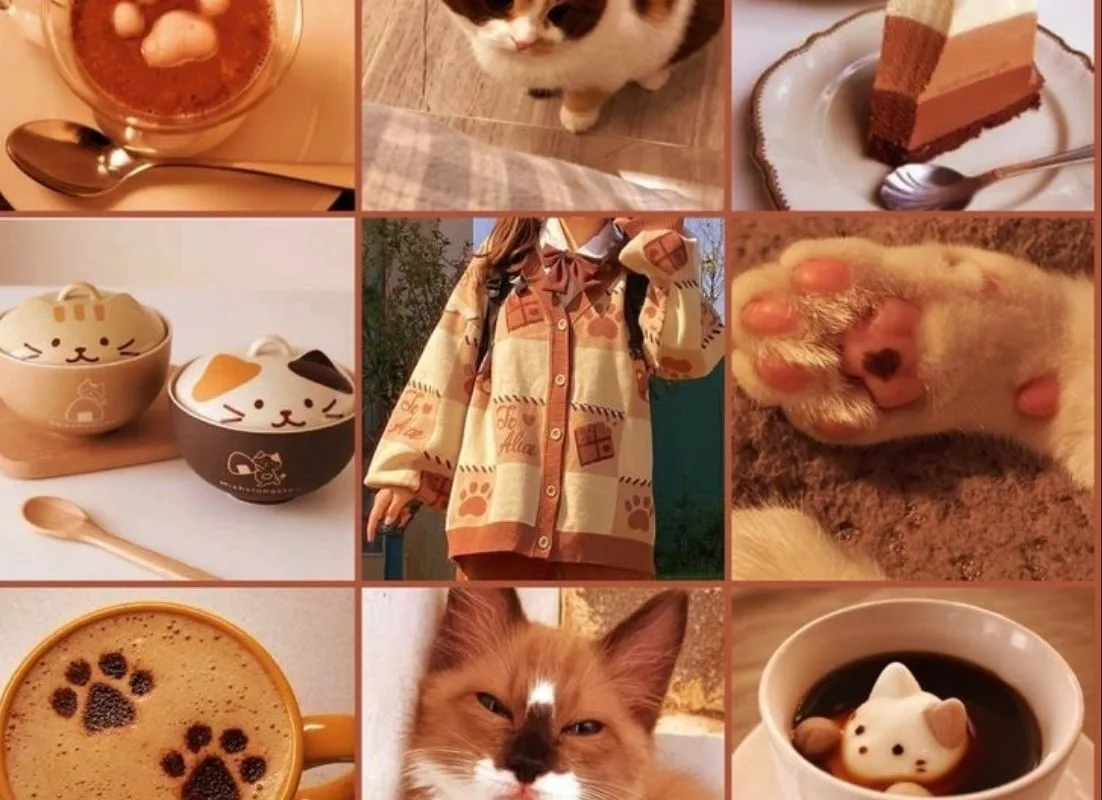
Ever pinned something that looked beautiful but got zero clicks? You're not alone. After designing hundreds of pins, I've learned that the secret isn't just pretty pictures—it's strategy. Let me share my favorite tips to help your pins shine.
Advertisements1
- Vertical pins (2:3 ratio) perform better on mobile, where most users are.
- Less text, more impact: 3-5 words in a bold font grab attention.
- Colors evoke emotions—choose a palette that aligns with your message.
- Consistent branding builds trust and recognition.
- Video and Idea Pins can significantly boost reach.
- Keywords in text and description help your pin get found in search.
Start with a Vertical Canvas: Why 2:3 Ratio Matters
When I first started on Pinterest, I made the mistake of pinning my horizontal blog images. They looked tiny and got lost in the feed. Then I discovered the magic of the 2:3 ratio—specifically 1000×1500 pixels. This vertical format takes up more screen space on mobile, where 85% of users are. It's like giving your pin a megaphone.
Why does this matter? Pinterest's algorithm favors pins that perform well, and pins that fill more of the screen get more engagement. So, next time you design a pin, set your canvas to 1000×1500. It's a small change that makes a big difference.
Take a moment: Are your current pins optimized for mobile viewing? If not, try resizing one and see how it feels.
Use Text Overlays That Speak, Not Shout
Text on pins is crucial—it tells people what they'll get if they click. But there's a fine line between informative and overwhelming. I used to cram every benefit into the text, and it looked like a billboard. Then I learned: less is more. Use 3-5 words in a bold, readable font.
Why? Because people skim. They need to grasp the value in a split second. Choose a font that matches your brand's personality—maybe a clean sans-serif for modern, or a script for elegant. And always ensure high contrast with the background.
Mindfulness prompt: When you look at your pin, does your eye know where to go first? If not, simplify.
Color Psychology: Choose Palettes That Evoke Emotion
Colors aren't just decorative—they trigger feelings. I once used a bold red for a relaxation pin, and it felt off. After switching to soft blues and greens, the engagement soared. Why? Because colors carry meaning: blue is calming, yellow is cheerful, red is urgent.
So, think about the emotion you want to evoke. For a cozy recipe, warm oranges and browns work wonders. For a productivity tip, crisp blues and whites. And don't forget contrast—your text should pop against the background.
Try this: Pick a pin and ask, 'What emotion does this color make me feel?' Adjust if needed.
Branding: Add a Subtle Logo and Consistent Style
When I first started, I didn't brand my pins. They looked like everyone else's. Then I added a small logo in the corner and used consistent fonts and colors. Suddenly, people started recognizing my pins. That's the power of branding—it builds trust.
Why? Because Pinterest is a visual search engine, and consistent branding helps users recognize your content across the platform. It also makes your pins look professional. Just don't let your logo overpower the design—keep it small and unobtrusive.
Consider: If someone saw your pin without your name, would they know it's yours?
Test Different Formats: Static, Video, and Idea Pins
Pinterest isn't just static images anymore. Video pins and Idea Pins (multi-page) can get massive reach. I was hesitant to try video, but when I did, one of my video pins got 10x the views of my static pins. Why? Because video is engaging and Pinterest pushes it.
But don't abandon static pins—they still work. The key is to test. Try creating a video pin for a tutorial, or an Idea Pin for a step-by-step guide. See what resonates with your audience.
Small change: Next week, turn one of your static pins into a short video. You might be surprised.
Optimize for Search: Keywords in Text and Description
Pinterest is a search engine, so keywords matter. I used to write clever descriptions that no one searched for. Then I started using keywords like 'easy dinner recipes' and 'DIY home decor'—and my pins started showing up in search.
Why? Because Pinterest's algorithm uses keywords to understand what your pin is about. So, use relevant keywords in your pin's text overlay, title, and description. But don't stuff—write naturally.
Ask yourself: What would someone type to find this pin? Use that phrase.
How to Do It, Step by Step
- 1Resize to 1000×1500 pixels
Use Canva or Photoshop to create a vertical pin. This size fills more screen space on mobile, increasing engagement. - 2Keep text to 3-5 words
Use a bold, readable font. This makes your pin scannable and communicates value quickly. - 3Choose a color palette that matches the emotion
Use cool colors for calm, warm for energy. Ensure high contrast for readability. - 4Add a small logo and consistent branding
Place your logo in a corner and use the same fonts and colors across pins to build recognition. - 5Test video and Idea Pins
Create a short video or multi-page pin to see if it gets more engagement. Pinterest favors these formats. - 6Include keywords in text and description
Research what people search for and incorporate those phrases naturally into your pin's text and description.
A great Pinterest image isn't just seen—it's felt. Design with emotion, and the clicks will follow.
Frequently Asked Questions
What is the best size for a Pinterest image?
The ideal size is 1000×1500 pixels (2:3 ratio). This vertical format takes up more screen space on mobile, leading to higher engagement.
How much text should I put on a Pinterest image?
Keep it to 3-5 words in a bold, readable font. This ensures your pin is scannable and communicates value quickly.
Do I need a logo on my Pinterest pins?
A small, subtle logo helps with brand recognition, but it shouldn't overpower the design. Place it in a corner and keep it consistent.
Are video pins better than static pins?
Video pins can get more reach because Pinterest favors them, but static pins still work. Test both to see what resonates with your audience.
How do I optimize my Pinterest image for search?
Use relevant keywords in your pin's text overlay, title, and description. Write naturally and avoid keyword stuffing.

Sofia writes about mindful living and personal wellness, exploring habits that nurture mental and physical health. She shares gentle, realistic suggestions for creating calm in a busy world.


