

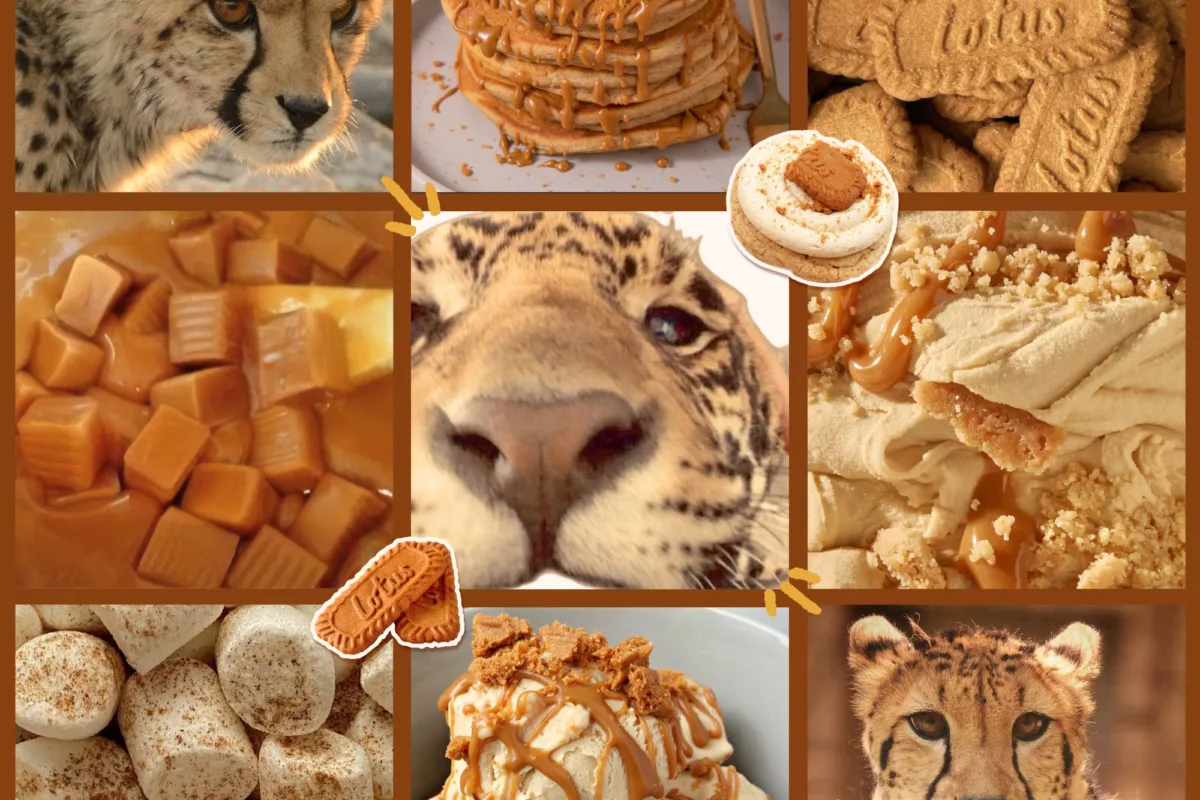
So you've stumbled onto a Biscoff cheetah F2U base and your brain is already sketching caramel spots and cream-colored fur. This guide walks you through exactly how to use free-to-use lineart bases well — from reading the rules to recoloring, crediting, and making the art genuinely yours.
Advertisements1
- F2U means free to use under conditions, not public domain — always read the rules before coloring.
- Multiply blend mode on the lineart layer lets you color underneath clean lines without tedious selection work.
- A three-tone Biscoff palette (cream, caramel, toasted brown) reads far richer than a flat two-tone recolor.
- Visible credit in the caption plus a link is the standard, and it keeps F2U artists releasing free bases.
- Never repost the blank base unless redistribution is explicitly allowed — post your colored version instead.
- Recoloring one base in multiple palettes is a fast, free way to build a full character reference sheet.
First, Understand What F2U Actually Means Before You Touch a Single Layer
F2U stands for "free to use," and it is not the same as public domain. A Biscoff cheetah F2U base is lineart someone drew and then released for other artists to color, edit, and post — usually with conditions attached. Those conditions might include crediting the original line artist, keeping the base visible under your edits, or forbidding you from selling the finished piece. Think of it like borrowing a friend's kitchen: you can cook there, but you don't get to remodel the cabinets without asking.
The single most common mistake I see is skipping the rules text entirely because the art looked pretty on Pinterest. That rules block is usually a short list in the caption or a linked document — 3 to 8 lines, honestly — and reading it takes less time than picking a color palette. If you can't find the rules, don't assume they don't exist; search the artist's name plus "F2U rules" or ask in the comments. When in doubt, ask permission. A 30-second message has saved me from more awkward situations than I can count.
One more thing worth knowing: "Biscoff" in these base names usually refers to the warm caramel-and-cream palette the artist used in the example, not a licensed brand. So when someone says "Biscoff cheetah," they're describing a vibe — toasted sugar fur, creamy underbelly, chocolate-dark rosettes. That's your color story, and it's a gorgeous one to work with.
Recoloring a Cheetah Base Without Losing the Lineart
Here's the technique that changed my workflow: put the lineart layer on top, set it to Multiply blend mode, and color everything on layers beneath it. Multiply makes white pixels transparent and keeps the dark lines intact, so your flat colors sit underneath the linework like paint under a stencil. Do this instead of using the magic wand to select every white gap — wand selection on a cheetah base with dozens of small spots will eat your afternoon and leave jagged edges.
For the Biscoff palette specifically, build three fur tones rather than two: a cream base (#F5E6C8 territory), a caramel midtone (#C98B4B), and a deep toasted brown for the rosettes (#5E3A1F). Two-tone cheetahs look flat because real cheetah markings have depth — the spots darken toward the center. Add a soft airbrush pass of the caramel tone along the spine and tail tip, and suddenly the character reads as lit rather than pasted.
Don't forget the eyes. On most cheetah bases the eyes are a small region, maybe 2% of the canvas, but they carry 80% of the personality. Give them a bright amber or honey-gold, then add a single white highlight dot in the upper corner. That one dot is the difference between "colored a base" and "made a character."
Ask yourself as you color: if this cheetah walked out of a bakery at golden hour, what would the light do to its fur? Color that.
Editing the Base: What's Fair Game and What Crosses a Line
Most F2U bases allow reasonable edits — changing the hairstyle, adding accessories, adjusting the tail, swapping the expression. What they usually don't allow is heavy anatomical redrawing that essentially erases the original artist's work, or claiming the lineart as your own. A good rule of thumb: if a stranger compared your version to the original and couldn't recognize the base, you've probably gone too far.
Practical edits that read as respectful and creative: add a scarf or collar in a contrasting color (a dusty rose against all that caramel is lovely), give the cheetah a flower crown or a little satchel, or change the ear shape slightly. These additions show personality without overwriting the foundation. If you want to make a genuinely different pose, that's your cue to draw your own base — and honestly, tracing a F2U base once or twice is a fantastic way to learn cheetah anatomy before you branch out.
I once spent two hours redrawing a base's entire hind leg before realizing the rules explicitly said no anatomical changes. Learn from me. Read first, edit second.
Crediting Properly So the Original Artist Actually Gets Seen
Crediting is not a chore; it's the rent you pay for using someone's free labor, and it's cheap. The standard format is simple: name the line artist, link to their profile or the original post, and note that you colored it. Something like "Base by [Artist] — colored by me" with a link. Put it in the caption, not buried in the comments, and definitely not in tiny text on the image itself where it's unreadable on mobile.
Why does this matter beyond politeness? Because F2U artists often track usage of their bases, and visible credit drives traffic back to them — which encourages them to keep releasing free bases. The ecosystem runs on reciprocity. When I credit consistently, I've had artists compliment my color choices, share my work, and even offer early access to new bases. That's a real relationship built from eight words in a caption.
If the rules require the credit on the image itself, place it in a corner with decent contrast — a semi-transparent dark bar behind light text works on almost any background. Don't let it get cropped off when you post to Pinterest, either. Check the preview before you hit publish.
Posting Your Finished Piece: Platforms, Tags, and Etiquette
Pinterest is where most people find these bases, but it's a mediocre place to post finished art with credit intact, because pins get re-uploaded without context constantly. If you post there, put the credit in the pin description AND on the image. For finished artwork, a portfolio platform or an art-focused community is a better home, with Pinterest as a secondary discovery channel linking back to the original post.
Tag responsibly. "Biscoff cheetah" and "F2U base" are useful tags for people searching for the base itself, but tag your own character name and your medium too, so your work is findable on its own merits. Avoid tagging unrelated trending terms to chase reach — it clutters search results and irritates the artists whose bases you're using.
One etiquette note that surprises people: don't repost the blank base itself unless the artist explicitly allows redistribution. Coloring it and posting your version is the intended use; re-uploading the empty lineart cuts the original artist out of the loop entirely. Keep the chain intact and everyone wins.
Turning a Base Into a Character You'll Actually Keep Using
The real magic of a F2U base is repetition. Color the same Biscoff cheetah base three times with three different palettes and you've built a character sheet, a moodboard, and a reference all at once — for free. I keep a folder called "base experiments" where I recolor the same lineart in seasonal palettes: autumn caramel, winter frost-cream, summer sun-bleached gold. It takes about 20 minutes per version once you have your color layers saved as a template.
Save that template. Name your layers ("fur base," "rosettes," "eyes," "lineart") so future-you isn't squinting at Layer 14 copy 3. Then write two or three sentences of character lore next to each version — where does this cheetah live? What's it carrying in that satchel? A name and a single detail turns a colored base into someone.
Here's a prompt to try: describe your Biscoff cheetah's morning routine in exactly five words. Whatever you write, that's your character's soul. Color it accordingly.
How to Do It, Step by Step
- 1Locate and read the original rules
Find the artist's post or linked rules document and read all conditions — credit requirements, edit limits, and commercial-use restrictions — before opening your art program. - 2Set up your layers correctly
Place the lineart on the top layer and set it to Multiply blend mode, then create separate layers beneath it for fur base, midtones, rosettes, and eyes. - 3Build a three-tone Biscoff palette
Pick a cream base, a caramel midtone, and a deep toasted brown for markings, then airbrush the midtone along the spine and tail for depth. - 4Add life to the eyes
Color the iris amber or honey-gold and place one white highlight dot in the upper corner — this single detail carries most of the character's personality. - 5Make respectful edits only
Add accessories, hairstyles, or expression tweaks rather than redrawing anatomy, and check the rules again if you're unsure whether an edit crosses the line. - 6Credit clearly and visibly
Write "Base by [Artist] — colored by me" with a link in your caption and, if required, on the image in a readable corner placement. - 7Save a reusable template
Name every layer and save a copy of your color setup so you can recolor the same base in new palettes in about 20 minutes.
A free-to-use base is a borrowed kitchen, not a blank check — cook something wonderful, then thank the person who handed you the keys.
Frequently Asked Questions
What does F2U mean in art?
F2U stands for "free to use," meaning the artist allows others to color, edit, and post the lineart under specific conditions. Those conditions typically cover crediting, edit limits, and whether you can sell the finished piece.
Can I sell art made from a Biscoff cheetah F2U base?
Only if the artist's rules explicitly permit commercial use, which many F2U bases do not. Check the rules text or message the artist directly before listing anything for sale.
How do I credit an F2U base artist?
Name the line artist, link to their profile or original post, and note that you colored it — for example, "Base by [Artist] — colored by me." Put it in the caption and on the image if the rules require it.
Can I edit the lineart on a free-to-use base?
Usually yes for additions like accessories, hair, or expressions, but heavy anatomical redrawing is often prohibited. If your edit makes the base unrecognizable, you've likely exceeded the intended use.
Why is it called a Biscoff cheetah base?
"Biscoff" describes the warm caramel-and-cream color palette the artist used in the example, not a licensed brand. It signals a toasted-sugar fur look with dark chocolate rosettes.

Amara explores creative writing and storytelling, with a focus on finding your unique voice and building compelling narratives. She shares prompts and exercises to spark imagination, drawing on her love of folklore and modern fiction.


