

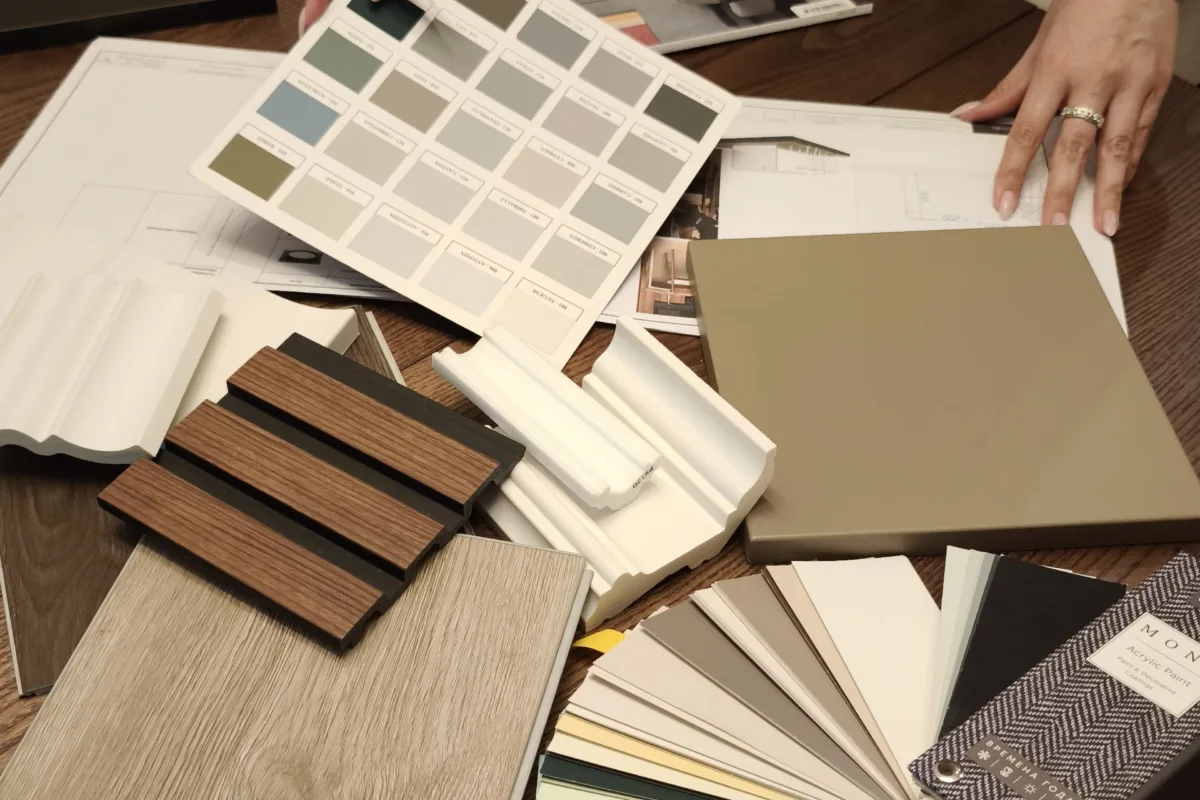
Ever scrolled through a photo of a sun-drenched living room and felt that little pang of “why doesn’t my place look like that?” You’re not alone, and here’s the good news: that dreamy interior aesthetic isn’t about a huge budget. It’s about the right tools, the right palettes, and a few smart tricks designers use every day. I’ve rounded up 20 websites and apps that make beautiful rooms feel almost effortless, from free mood-board makers to color visualizers and AI room planners. Grab a coffee, open a tab or two, and let’s make your space feel like you.
Advertisements1
Table of Contents(Click to Toggle)
- Why the Right Interior Aesthetic Tools Change Everything
- 20 Interior Design Aesthetic Tools Worth Trying
- 1. Pinterest
- 2. Houzz
- 3. Canva
- 4. Coolors
- 5. Adobe Color
- 6. Roomstyler
- 7. Planner 5D
- 8. HomeByMe
- 9. SketchUp Free
- 10. IKEA Kreativ
- 11. Wayfair Room Planner
- 12. Sherwin-Williams ColorSnap
- 13. Benjamin Moore Personal Color Viewer
- 14. Behr ColorSmart
- 15. Spoonflower
- 16. Society6
- 17. Etsy
- 18. Design Within Reach
- 19. Remodelista
- 20. Apartment Therapy
- Bonus Mentions
- Your Aesthetic, Your Rules
Why the Right Interior Aesthetic Tools Change Everything
Interior design used to feel like a members-only club. You either hired a designer or you guessed, crossed your fingers, and hoped the couch looked good against that wall. Not anymore. Today’s tools let you test a paint color on your actual wall, drop a virtual sofa into your real living room, and build a mood board in minutes. The result? Fewer expensive mistakes, more confidence, and a home that finally matches the aesthetic you keep saving to your camera roll. Whether your vibe is warm minimalist, cozy cottage, or sleek mid-century, there’s a tool here for you.
20 Interior Design Aesthetic Tools Worth Trying
1. Pinterest : The endless aesthetic mood board
What it is: A visual discovery platform where you save and organize inspiration into boards.
Category: Inspiration and mood boarding
Why it stands out:
- Search “warm minimalist living room” and you’ll get thousands of real photos, not stock renders
- Boards keep your ideas organized by room, color, or mood
- The visual search tool lets you crop any part of a photo to find similar pieces
Best for: Anyone starting from zero who needs to figure out their aesthetic first.
2. Houzz : Real homes, real designers, real ideas
What it is: A home design platform packed with photos, professional profiles, and product listings.
Category: Inspiration and professional sourcing
Why it stands out:
- Millions of photos tagged by room, style, and even specific features like “vaulted ceiling”
- You can browse designers in your city if you decide to hire help
- The “Shop by Look” feature links photos to buyable products
Best for: Renovators who want to see how real people solved the same layout problem.
3. Canva : Mood boards anyone can make
What it is: A free graphic design tool with drag-and-drop templates.
Category: Mood boarding
Why it stands out:
- Thousands of free mood-board templates, so you’re not staring at a blank page
- Upload your own photos and pull in color palettes instantly
- Share a live link with your partner or contractor for feedback
Best for: Renters and DIYers who want a polished concept without design software.
4. Coolors : Build a palette in seconds
What it is: A fast color-palette generator for any project.
Category: Color planning
Why it stands out:
- Hit the spacebar and it generates a fresh five-color palette instantly
- You can lock colors you love and shuffle the rest
- Extract a palette straight from an inspiration photo
Best for: Anyone who keeps buying throw pillows that don’t quite match.
5. Adobe Color : Color theory made visual
What it is: Adobe’s free color wheel and harmony tool.
Category: Color planning
Why it stands out:
- Explore complementary, analogous, and triadic harmonies on an interactive wheel
- Check accessibility contrast if you’re also designing a home office setup
- Save palettes to your Adobe library for later
Best for: Detail-oriented folks who want their palette to follow real color rules.
6. Roomstyler : Free 3D room design in your browser
What it is: A browser-based 3D room planner with a huge product library.
Category: 3D planning
Why it stands out:
- Drag real branded furniture into a 3D room and see it from any angle
- Render photorealistic images of your design without installing anything
- Community designs give you layout ideas for awkward spaces
Best for: Budget-conscious planners who still want a 3D preview.
7. Planner 5D : Snap a photo, redesign the room
What it is: A home design app with 2D and 3D modes plus AI features.
Category: 3D planning
Why it stands out:
- Its AI tool can restyle a photo of your actual room in different aesthetics
- Switch between flat 2D floor plans and walkable 3D views
- Works on desktop and mobile, so you can tweak on the couch
Best for: Visual thinkers who want to see a style swap before committing.
8. HomeByMe : Plan a whole home, room by room
What it is: A free 3D interior design and floor-plan tool.
Category: 3D planning
Why it stands out:
- Draw your floor plan, then furnish it with real catalog products
- Generate high-quality 3D images to share with family
- Handy for planning a move before you sign a lease
Best for: People planning multiple rooms or an entire apartment.
9. SketchUp Free : Serious 3D modeling, zero cost
What it is: The free web version of a professional 3D modeling tool.
Category: 3D modeling
Why it stands out:
- Build custom furniture or built-ins that don’t exist in any catalog
- Massive 3D Warehouse of free models to drop into your scene
- Runs in your browser with cloud storage
Best for: Tinkerers planning custom cabinetry or a tricky renovation.
10. IKEA Kreativ : See IKEA pieces in your own room
What it is: IKEA’s AR and 3D room design experience.
Category: Augmented reality planning
Why it stands out:
- Scan your room with your phone and erase existing furniture from the view
- Drop in true-to-scale IKEA products and swap finishes
- Save and share your design scenes
Best for: IKEA fans who want to check scale before a store run.
11. Wayfair Room Planner : Layout ideas with shoppable pieces
What it is: Wayfair’s 3D planning tool tied to its product catalog.
Category: 3D planning
Why it stands out:
- Start from a template or upload your own floor plan
- Every item you place is shoppable, so the concept is easy to execute
- Great for visualizing a full furniture refresh
Best for: Shoppers who want the plan and the purchase in one place.
12. Sherwin-Williams ColorSnap : Paint colors on your actual wall
What it is: A paint visualizer app from a major paint brand.
Category: Paint visualization
Why it stands out:
- Upload a room photo and paint the walls virtually in seconds
- Pull colors from real photos to match an existing rug or art piece
- Save and compare multiple shades side by side
Best for: Anyone paralyzed by a wall of paint chips.
13. Benjamin Moore Personal Color Viewer : Test designer shades virtually
What it is: An online tool for previewing Benjamin Moore colors in a room.
Category: Paint visualization
Why it stands out:
- Use a sample room photo or upload your own
- Paint walls, trim, and ceilings separately for a full scheme
- Browse curated palettes from designers when you’re stuck
Best for: Color-detail lovers who plan every trim shade.
14. Behr ColorSmart : Preview, match, and coordinate paint
What it is: Behr’s paint preview and color-matching tool.
Category: Paint visualization
Why it stands out:
- Upload a photo and try Behr colors on walls instantly
- Get coordinated color suggestions for a room in one click
- Color-match a photo to the closest Behr shade
Best for: Quick decision-makers who want a scheme, not a rabbit hole.
15. Spoonflower : Custom wallpaper and fabric in your palette
What it is: A print-on-demand marketplace for wallpaper, fabric, and home decor.
Category: Custom textiles and wallpaper
Why it stands out:
- Thousands of independent artists, plus you can upload your own design
- Order swatches before committing to a full roll
- Match wallpaper to curtains and pillows in the same print
Best for: Anyone who wants a pattern that isn’t in every big-box store.
16. Society6 : Affordable art with a curated edge
What it is: An artist marketplace for prints, textiles, and decor.
Category: Art and decor sourcing
Why it stands out:
- One artwork is available as a print, pillow, rug, or shower curtain
- Regular sales make gallery-wall styling budget-friendly
- Independent artists mean pieces you won’t see in every apartment
Best for: Renters building a gallery wall on a real budget.
17. Etsy : Vintage and handmade character pieces
What it is: A global marketplace for handmade and vintage goods.
Category: Vintage and handmade sourcing
Why it stands out:
- Search “vintage brass lamp” and find one-of-a-kind pieces
- Custom sizes and colors from makers who work with you directly
- Great for the finishing touches that make a room feel personal
Best for: Style hunters who want pieces with a story.
18. Design Within Reach : Iconic furniture, fully visualized
What it is: A retailer of modern classic furniture with design services.
Category: Furniture sourcing
Why it stands out:
- Detailed dimensions, finish options, and in-room photos for every piece
- Free design advice if you’re building a whole room
- A reference point for mid-century and modern aesthetics
Best for: Modern-style lovers researching investment pieces.
19. Remodelista : The quiet-luxury idea machine
What it is: An editorial site covering interiors, renovations, and products.
Category: Editorial inspiration
Why it stands out:
- Real house tours with source lists for every product shown
- Strong on natural materials and understated palettes
- Practical guides, from choosing hardware to styling shelves
Best for: Readers who want inspiration with substance, not just pretty photos.
20. Apartment Therapy : Small-space solutions that actually work
What it is: A home and lifestyle publication focused on real living.
Category: Editorial inspiration
Why it stands out:
- House tours in every style and budget, including tiny rentals
- Before-and-after makeovers with honest cost breakdowns
- Practical advice for renters who can’t paint or drill
Best for: Renters and first-time decorators who need real-world ideas.
Bonus Mentions
Dezeen : Cutting-edge design news and interiors
Great for staying ahead of trends before they hit mainstream catalogs.
Design Sponge : A beloved archive of home tours
Even in archive form, it’s a goldmine of personal, lived-in style ideas.
Architectural Digest : High-end inspiration and tours
Perfect when you want aspirational eye candy with real design insight.
Domino : Trend-forward decor with shoppable guides
Handy for translating a look into a shopping list you can actually afford.
Your Aesthetic, Your Rules
Here’s the thing about interior design: the best rooms aren’t the most expensive ones. They’re the ones where every choice feels intentional, and that’s exactly what these tools help you do. Start with a mood board on Pinterest or Canva, lock your palette in Coolors, test paint with a visualizer, then plan the layout in 3D before you buy a single thing. You’ll save money, skip the regret, and end up with a space that genuinely feels like you. Mix and match these tools freely, and don’t be afraid to improvise along the way. Cook smart, eat happy. So, which tool are you trying first, and what’s the one room you’re dying to transform?

Elena focuses on healthy cooking and meal prep for people with limited time and budget. She shares flexible recipes and shortcuts that don’t sacrifice flavor.


