

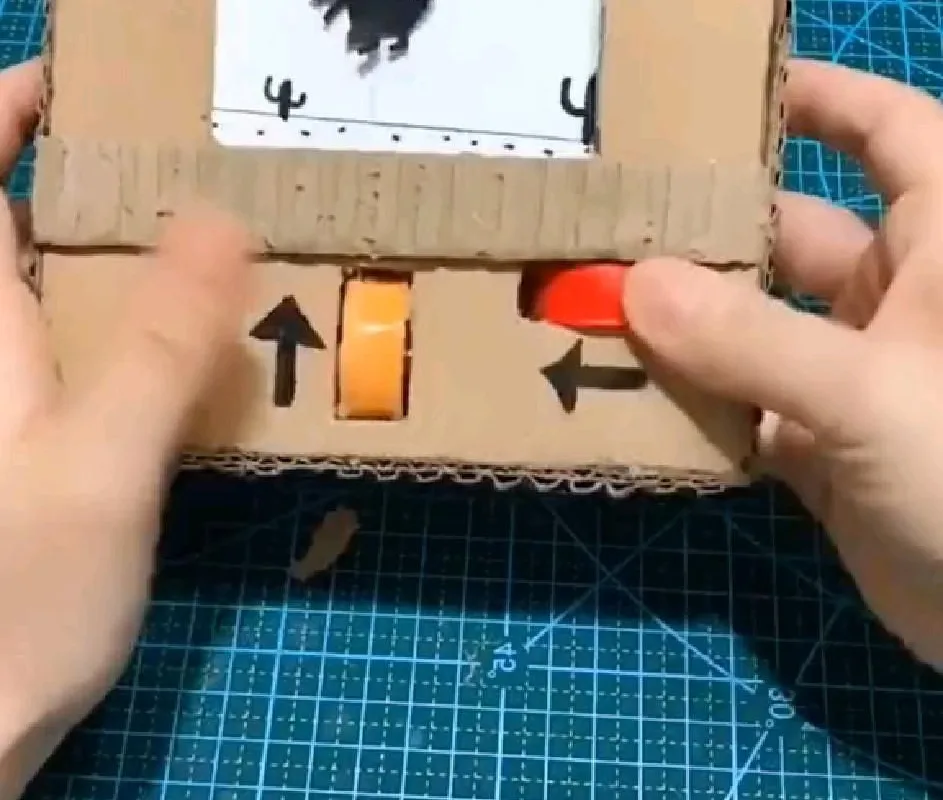
What if I told you there's a hidden game inside Google that's so addictive, you'll forget you were supposed to be working? It's called the Google Dino Game, and it's the perfect 5-minute escape. Let's dive into why it's fun and how to master it.
Advertisements1
- The Google Dino Game is a hidden browser game in Chrome that appears when you're offline.
- You can play it online by typing chrome://dino in the address bar.
- The game tests reflexes and timing, with increasing speed and obstacles.
- Advanced players can reach high scores by anticipating obstacles and staying calm.
- Avoid common mistakes like jumping too late or ignoring pterodactyls.
- Take breaks to prevent eye strain and keep the game fun.
What Is the Google Dino Game?
The Google Dino Game is a built-in browser game that appears when you're offline in Google Chrome. It features a pixelated T-Rex that runs endlessly, and you jump over cacti and duck under pterodactyls. Think of it as a digital runner, like Temple Run, but with a dinosaur and no in-app purchases.
Why does it exist? Google designed it to keep you entertained when your internet connection drops. It's a clever way to turn frustration into fun. The game was created by Sebastien Gabriel, Alan Bettes, and Edward Jung in 2014, and it's been a hit ever since.
The best part? You don't need Wi-Fi to play. Just open Chrome, and if you're offline, the dino appears. But you can also play it online by typing chrome://dino in your address bar. Give it a try—it's surprisingly addictive.
Why the Dino Game Is Worth Your Time
First, it's a masterclass in simple game design. The controls are minimal—just press space or tap to jump, and down arrow to duck. Yet, it's challenging enough to keep you coming back. The game speeds up gradually, testing your reflexes and timing.
Second, it's a great stress reliever. A quick 2-minute session can clear your mind, similar to a short meditation. The repetitive jumping and ducking can be oddly calming.
Third, it's a conversation starter. Many people don't know about it, so showing them this hidden gem makes you look cool. Plus, you can compete for high scores with friends. The current world record is over 2 million points—can you beat that? Probably not, but it's fun to try.
How to Play: Step-by-Step
Ready to start? Here's how:
1. Open Google Chrome on your computer or phone.
2. Disconnect from the internet (turn off Wi-Fi or unplug Ethernet).
3. Open a new tab—the dino will appear.
4. Press the spacebar (or tap the screen on mobile) to start.
5. Use spacebar or up arrow to jump, down arrow to duck.
6. Avoid obstacles and survive as long as possible.
On mobile, just tap to jump and swipe down to duck. The game ends when you hit an obstacle. Your score is displayed in the top right corner. Pro tip: The game gets faster, so stay focused.
Advanced Tips to Boost Your Score
Want to impress your friends? Here are some tricks:
– **Jump early:** For cacti, jump just before you reach them. For pterodactyls, duck if they're high, jump if they're low.
– **Use the night mode:** After 700 points, the game switches to night mode. This is a good time to focus because the contrast improves.
– **Don't spam jump:** Each jump takes time, so only jump when necessary. Spamming can cause you to mistime and crash.
– **Practice:** The more you play, the better your muscle memory. Aim for a new high score each day.
– **Stay calm:** Panicking leads to mistakes. Breathe and keep a steady rhythm.
Common Mistakes to Avoid
Even pros make mistakes. Here are pitfalls:
– **Jumping too late:** This is the most common error. Anticipate obstacles and jump a split second earlier.
– **Ignoring pterodactyls:** They appear after 450 points. Duck if they're at head level, jump if they're low.
– **Playing on a laggy device:** If your device lags, the game may stutter, causing unfair deaths. Close other tabs.
– **Not taking breaks:** Playing for hours can strain your eyes and hands. Take a break every 15 minutes.
– **Forgetting to have fun:** It's a game! Don't get frustrated. Enjoy the challenge.
Fun Variations and Easter Eggs
Did you know there are hidden variations? For example, during the 2018 World Cup, the dino wore a soccer jersey. During the Olympics, it had a torch. These limited-time themes add a collectible aspect.
Also, you can play as other characters? Not officially, but some mods allow it. However, the classic dino is the most iconic.
Another fun fact: The game's sound effects are generated by the Web Audio API, and you can mute them by pressing 'M'. Try playing with sound on for a more immersive experience.
Why Google Created This Game (And Why It Works)
Google's goal was to keep users engaged during connectivity issues. Instead of showing a boring error page, they gave us a game. This reduces bounce rates and keeps users on Chrome.
Psychologically, the game taps into our desire for mastery and quick rewards. Each jump gives instant feedback, and the score provides a sense of progress. It's a perfect example of gamification.
So next time you're offline, don't get mad—get playing. You might just discover your new favorite pastime.
The Hacks, Step by Step
- 1Open Chrome and Go Offline
Disconnect your internet or type chrome://dino in the address bar to launch the game. - 2Start Running
Press spacebar or tap the screen to make the dino run. - 3Jump Over Cacti
Press spacebar or up arrow to jump. Time it so you clear the cactus. - 4Duck Under Pterodactyls
Press down arrow to duck when a pterodactyl flies at head level. - 5Keep a Steady Rhythm
Don't spam jump; focus on timing to avoid obstacles smoothly. - 6Aim for Night Mode
Reach 700 points to trigger night mode, which can improve visibility. - 7Beat Your High Score
Play regularly to improve reflexes and set new personal records.
The Google Dino Game turns a frustrating offline moment into a delightful challenge that sharpens your reflexes.
Frequently Asked Questions
How do I play the Google Dino Game?
Open Chrome, disconnect from the internet, and press spacebar to start. Use spacebar to jump and down arrow to duck.
Can I play the Google Dino Game online?
Yes, type chrome://dino in your Chrome address bar to play even when you're online.
What is the highest score in the Google Dino Game?
The highest recorded score is over 2 million points, but most players aim for a few thousand.
Why does the Google Dino Game exist?
It was created to entertain users when they lose internet connection, turning a downtime into a fun experience.
Are there cheats for the Google Dino Game?
There are no official cheats, but you can use the browser console to modify the game, though it's not recommended.


